

The Kerala State Electricity Board (KSEB) offers many services online through its Web Self Service (WSS) portal – from paying your electricity bill to applying for a new connection. Here’s a quick guide to what you can do online.
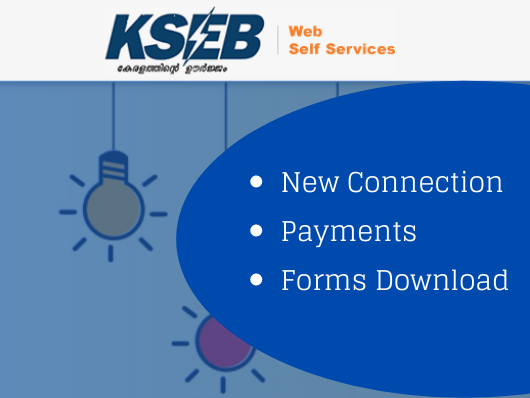
Quick Links: KSEB Online Services
| Service | Where |
|---|---|
| Web Self Service portal (bill payment, status) | wss.kseb.in |
| New connection – apply online | New connection |
| SMS alert registration | SMS alerts |
| Download forms | KSEB forms |
1. Pay KSEB Bill Online
Log in to the Web Self Service portal with your consumer number to view and pay your electricity bill online using net banking, card or UPI.
2. Apply for a New Electricity Connection
Use the new connection section to apply for a new current connection online and track the application status.
3. Register for SMS Alerts
Register your mobile number to receive SMS alerts for KSEB bills and power cut notifications.
4. Download KSEB Forms
- New connection application form
- Ownership change form
- Tariff change application form
Other Services
- Application status check
- Solar rooftop scheme
👉 Important: Always pay through the official KSEB website or app. Ignore SMS or WhatsApp messages asking you to pay to a personal number to avoid disconnection – these are scams.
Final Thoughts
The KSEB Web Self Service portal saves a trip to the section office for most everyday tasks. Keep your 13-digit consumer number handy when you log in.
FAQs
How do I pay my KSEB bill online?
Use the KSEB Web Self Service portal (wss.kseb.in) with your consumer number.
Can I apply for a KSEB new connection online?
Yes, through the new connection section of the Web Self Service portal.